Datasets
Overview
Datasets can be added Manually or via Harvesting
For harvesting, see Harvest section.
Add Dataset
To manually add a dataset, complete the required fields
Click Add Metadata in top menu

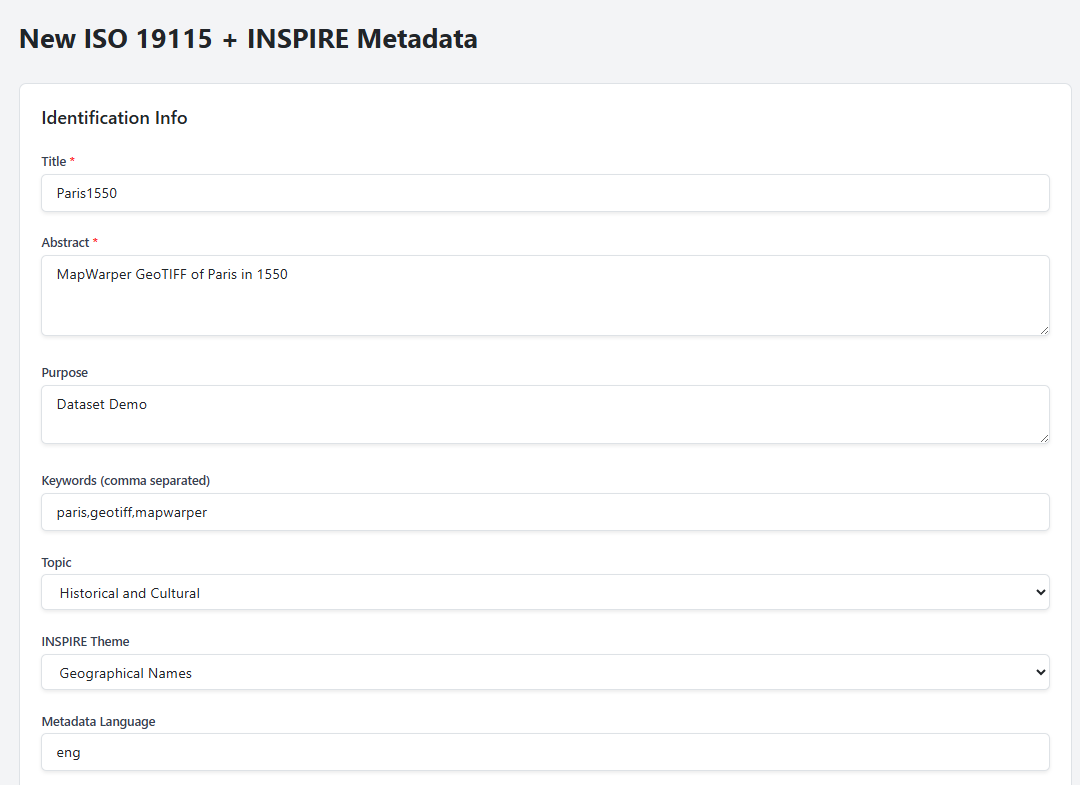
Enter the values for Identication Information section
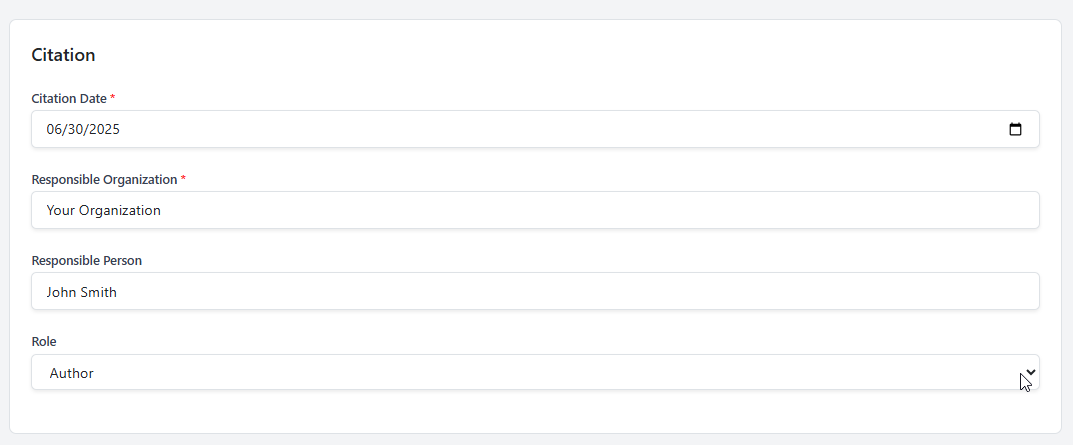
Enter the values for the Citation section
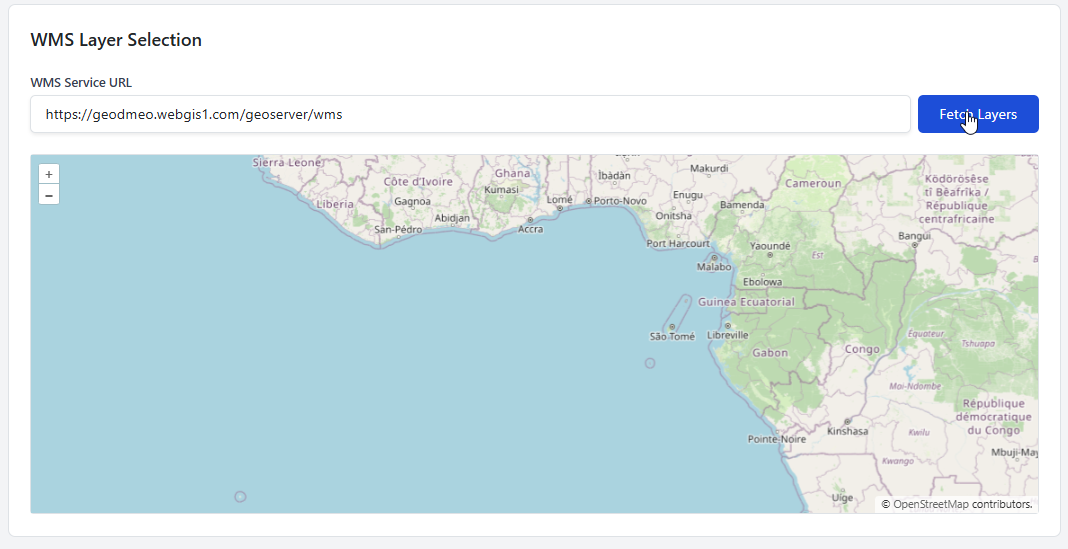
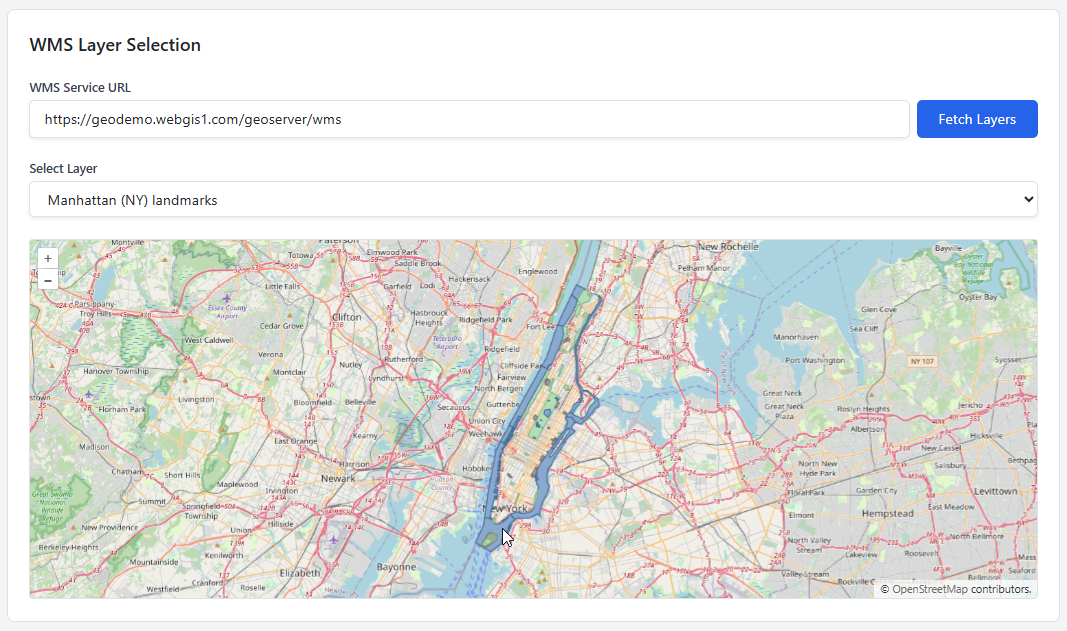
If using a WMS Service, enter the url and click Fetch Layers
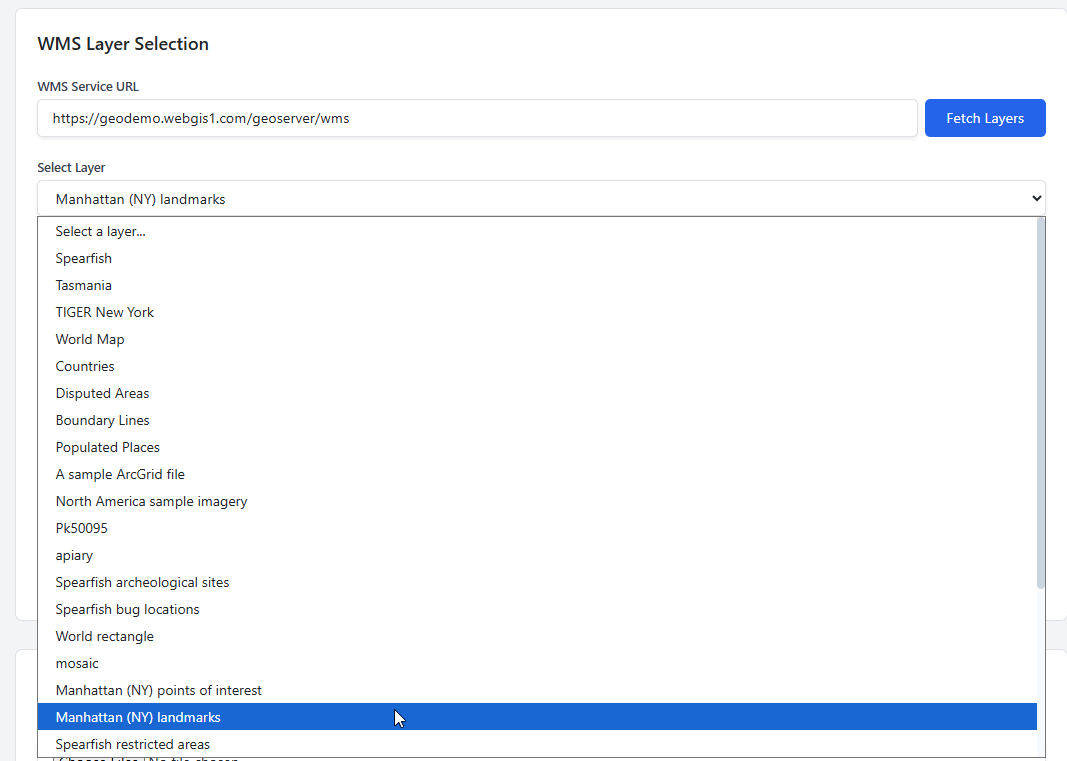
Select layer from dropdown
Note that Layer appears and Spatial Extent fields are populated:
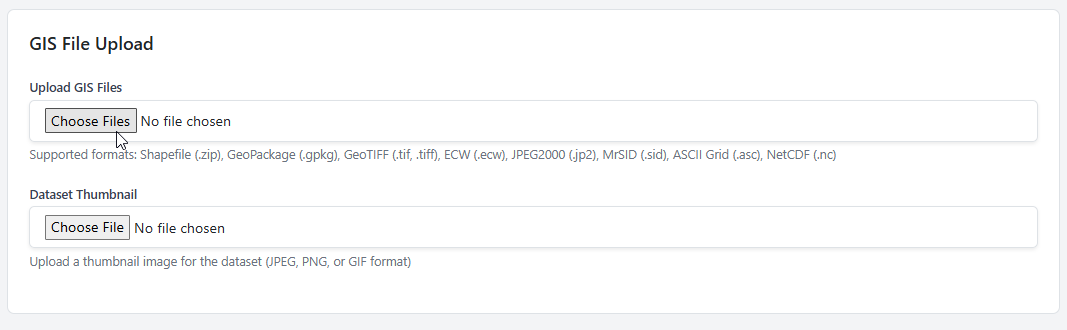
For a GIS Data File, such as GeoPackage, GeoTIFF, Shapefile, etc….
Click Choose File Button
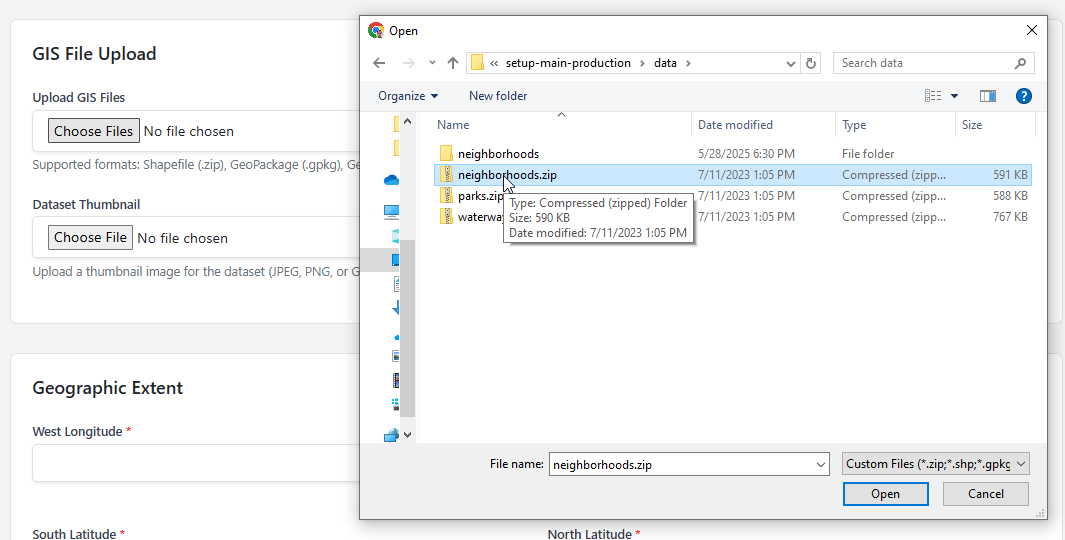
Select the data file you wish to upload
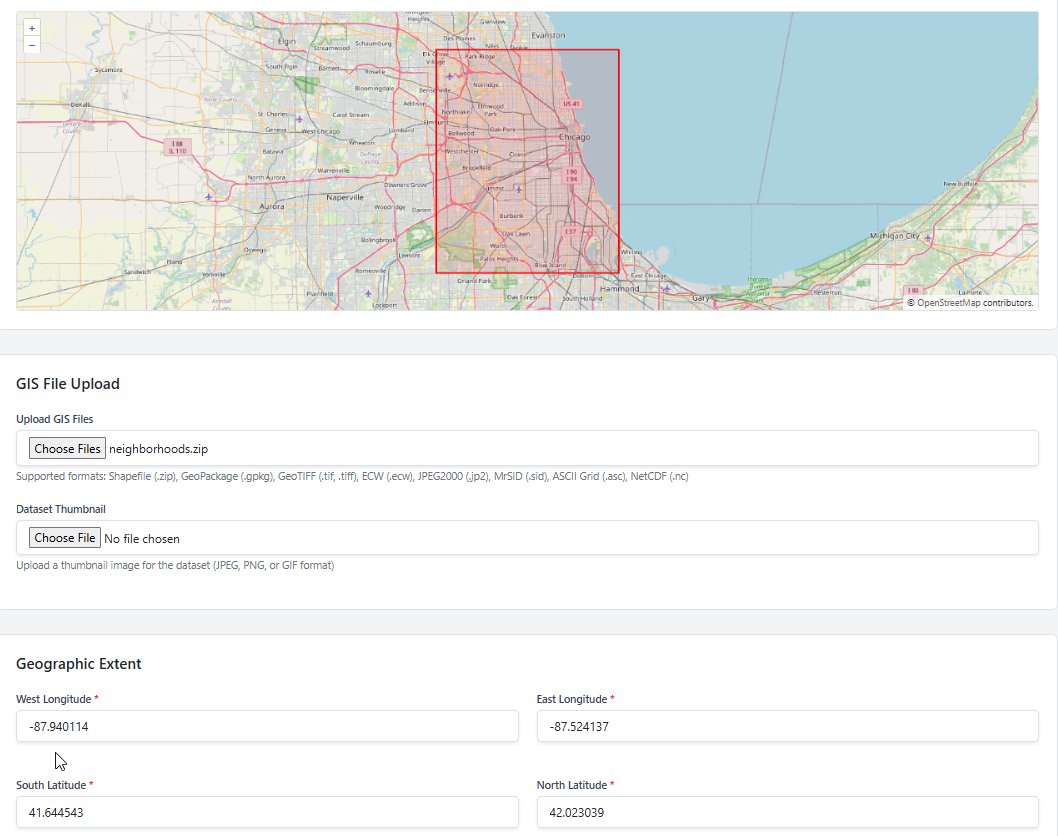
Note that Spatial Extent fields are populated and Bounding Box appears
Populate the Temporal Extent and Spatial Representation fields
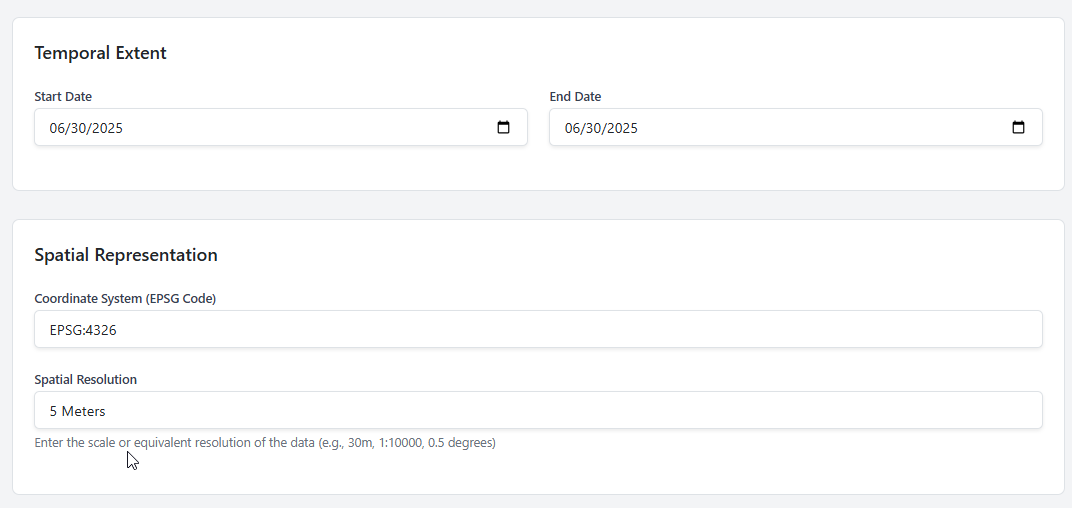
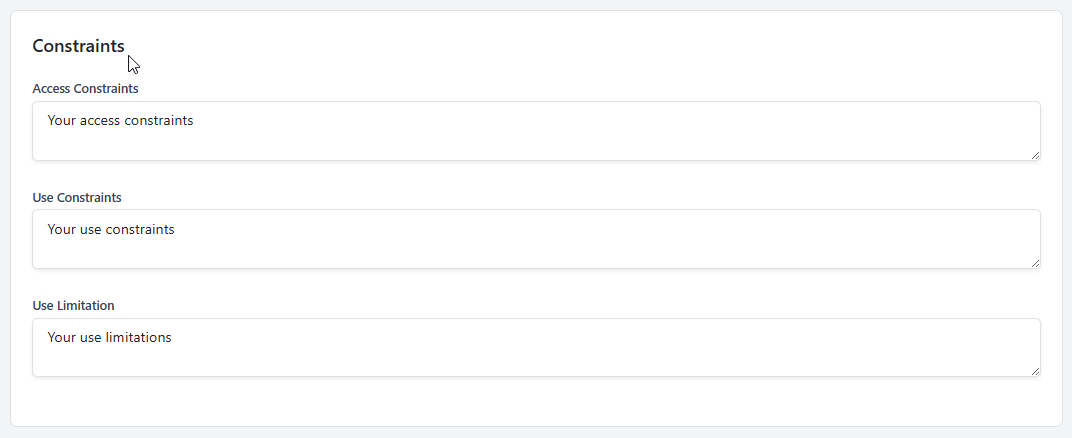
Populate the Constraints fields
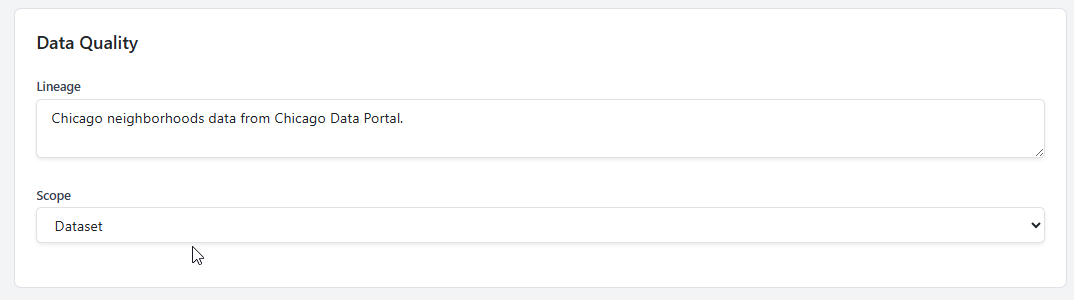
Populate the Data Quality fields
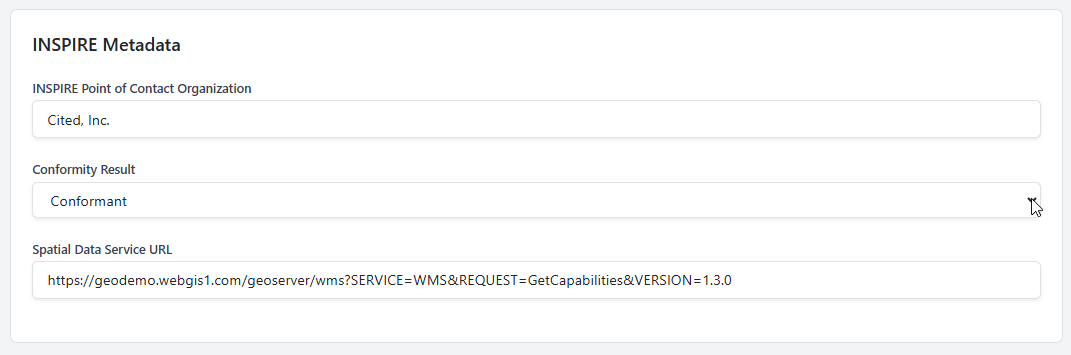
Populate the INSPIRE Metadata fields
Populate the Additional Metadata fields
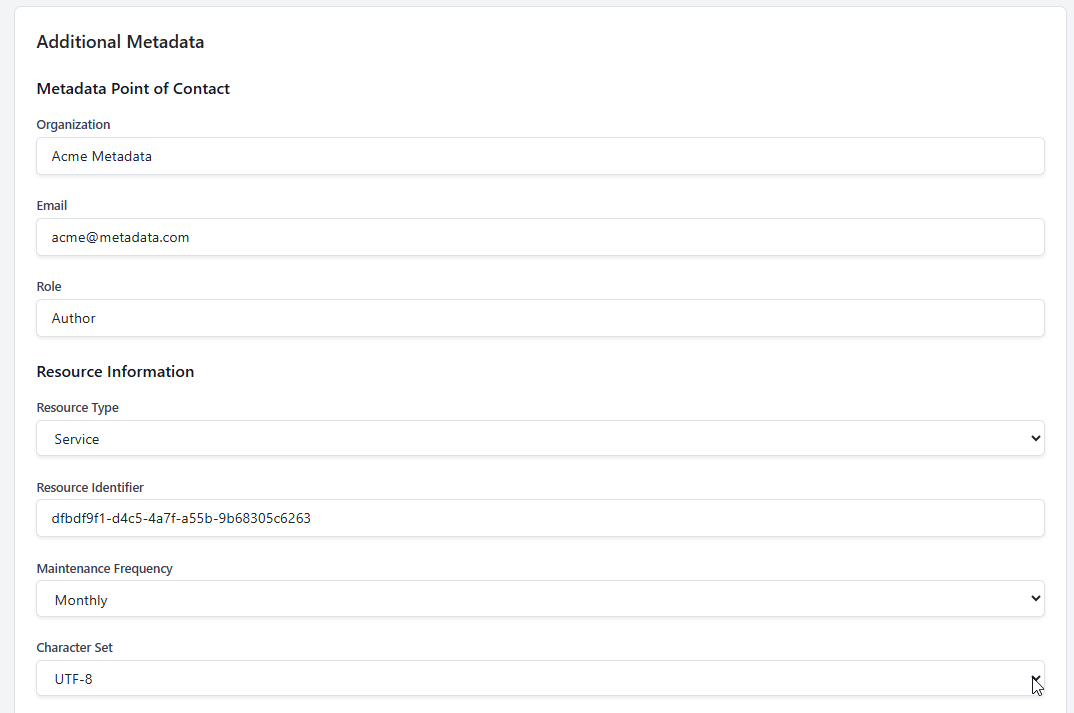
Populate the Distribution Information fields
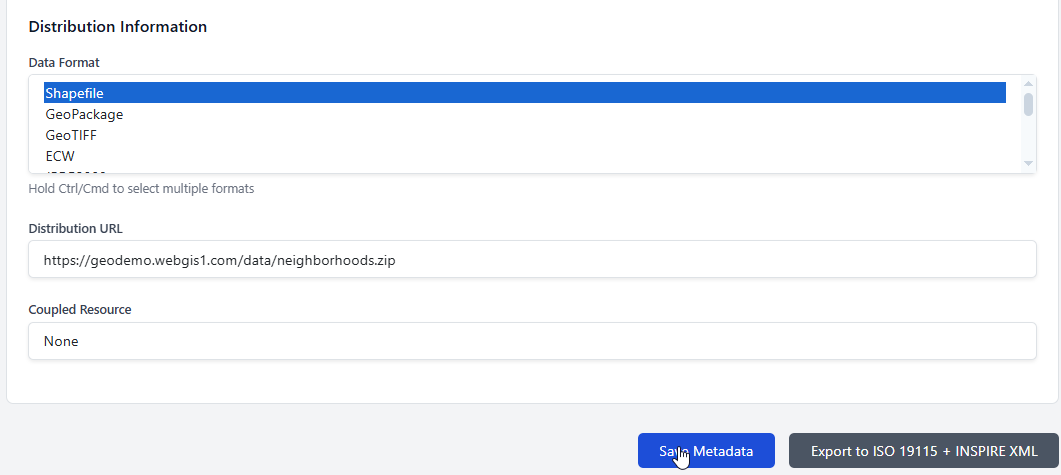
Edit Dataset
To edit a dataset, click the Edit Metadata button

Delete Dataset
To delete a dataset, click the Delete Dataset button
