Custom Thumbnail
Overview
By default, datasets use a default thumbnail located at:
storage/uploads/thumbnails/default.png
You can set custom thumbnails for your datasets by following below.
Go to the dataset and click Edit Metadata

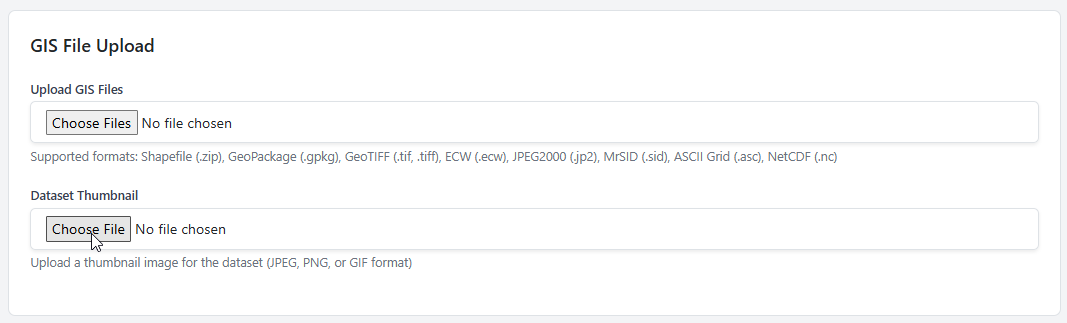
Upload the custom thumbnail
Be sure to click Save Dataset at bottom to save changes.