Users
Overview
Novella includes basic role based permissions.
User Types
Novell supports the following User types.
Additional types can be added.
Admins: All system privilages
Publisher: Can publish and harvest datasets
Editor: Can edit datasets
Add New User
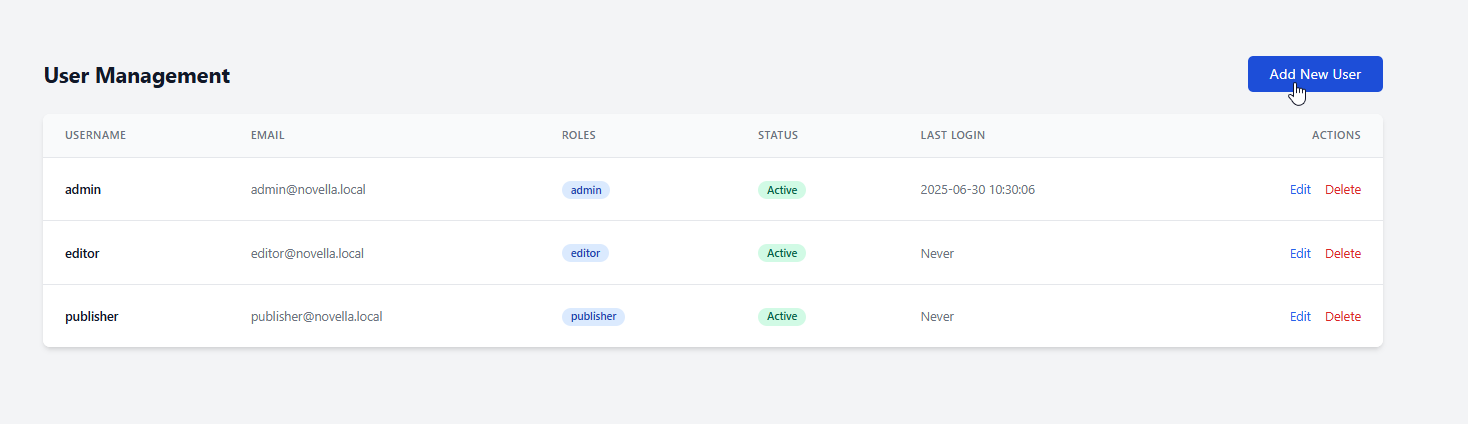
To create a new user, click on Users on the left menu.
Click the Add User button
Enter the required information and be sure to set the Access Level (Admin, Publisher, or Editor)
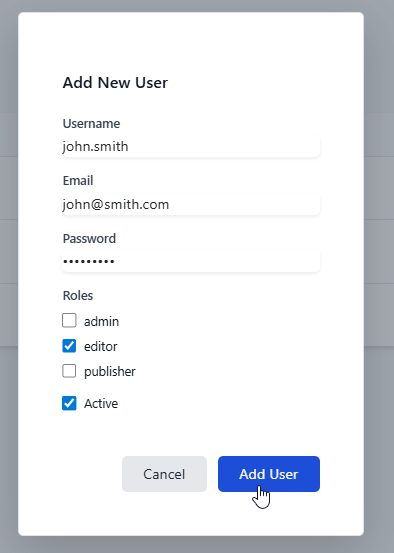
If the Group(s) you wish to add To add the user to are already created, you can add them as below:

Edit User
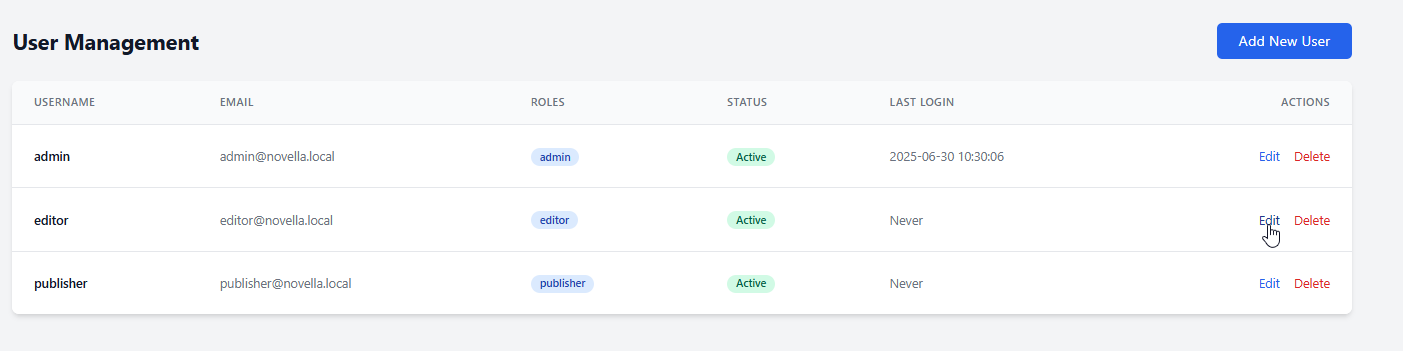
You can edit users via the Edit link.
Delete User
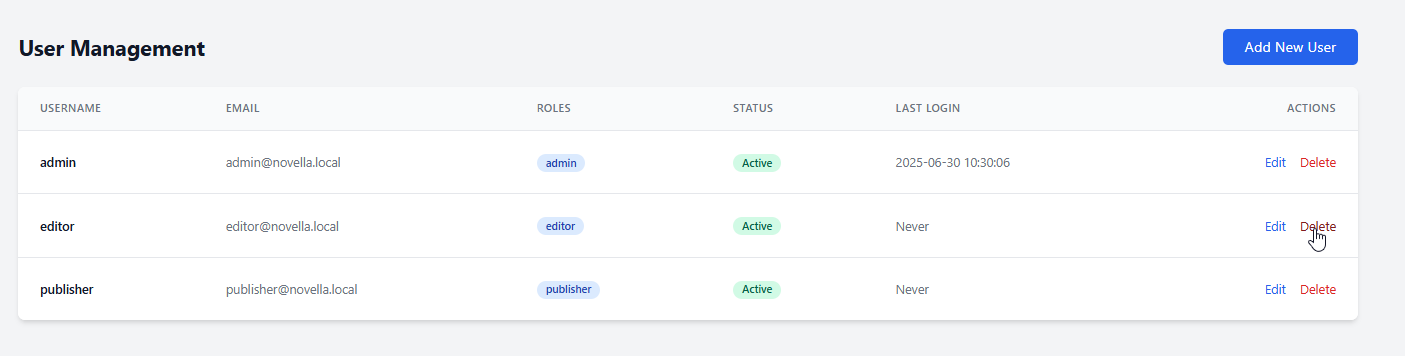
You can delete users via the Delete link.